

It's time for Riihisoft's weekly AI training.
Hook
This week, we explored hook commands , that is, rules that an agent always executes at a certain point in its lifecycle.
A hook is not a request or instruction that the model can ignore at will, but a script or command that triggers from a specific agent lifecycle event and is always executed the same way.
For example, the preToolUse hook can prevent the tool from running before anything happens.
In GitHub Copilot, hooks are defined in the .github/hooks/ folder as a JSON file. They can be used, for example:
to block commands
to protect secrets
for formatting
for notifications
Demo
In the demo, we tested hook behavior with Copilot in three different situations.
Without a hook: the agent runs the requested command as is, for example $ run git status
With the block list: guard.sh stops the command, the agent receives the reason for the block and looks for an alternative way to act
With the allowlist: only pre-approved commands pass and everything else is blocked, for example $ fetch https://docs.github.com
Tool for searching projects
In our AI trainings, we also cover concrete AI-based implementations, solutions, proof of concept (POC) implementations, development practices, and work processes.
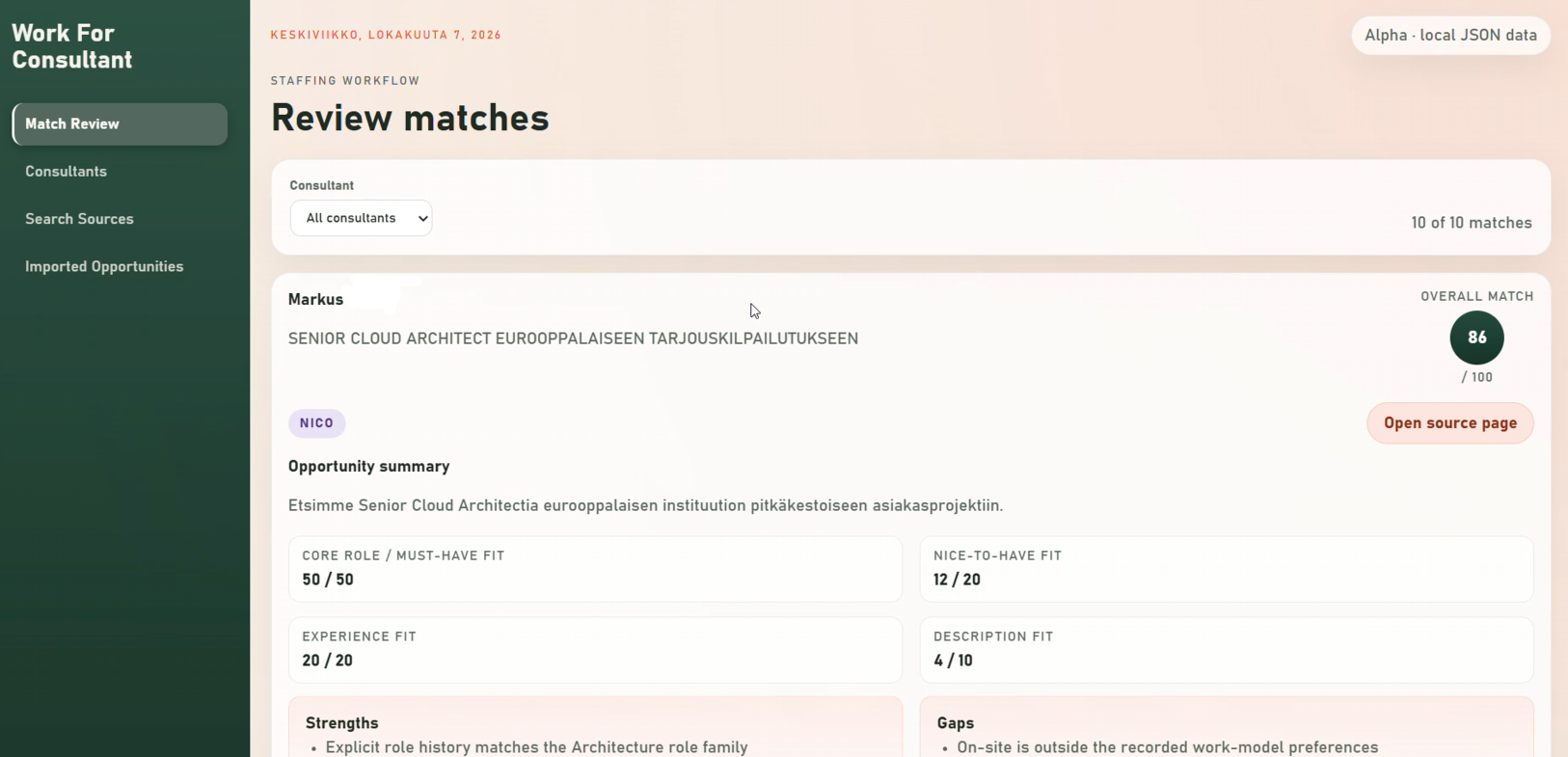
This week, Mirko Paloniemi, software developer at Riihisoft and Product Owner of the customer project , presented a tool he developed with the help of GitHub Copilot, which can search for new consulting clients or projects based on an employee's CV.
Contact us, and let's turn your ideas into solutions!